Brother vs Janome embroidery machines for beginners
Brother vs Janome for a first embroidery machine: PE900 and NQ1700E vs Janome MC400E. Field sizes, PES vs JEF files, Wi-Fi, and dealer vs online buying.
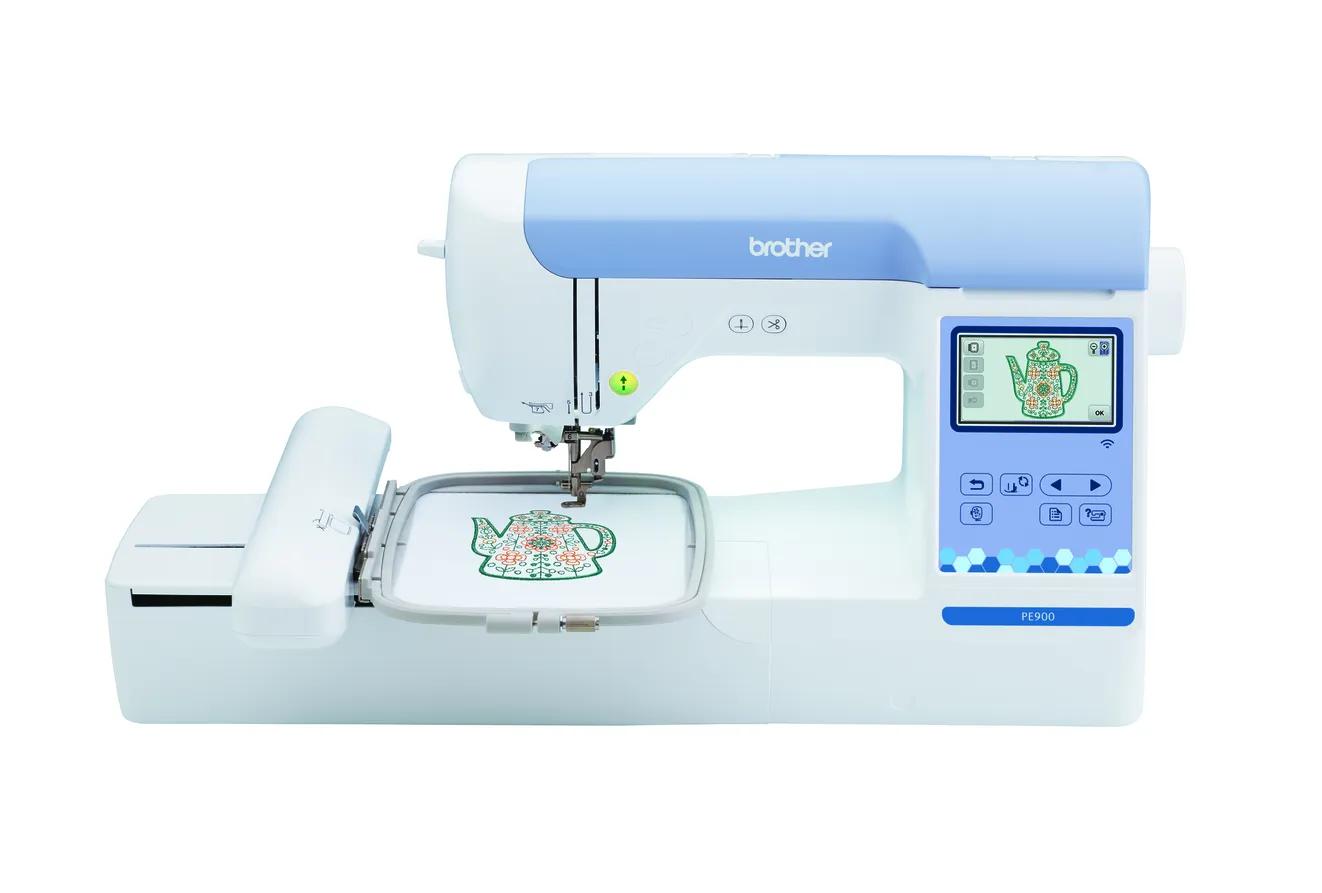
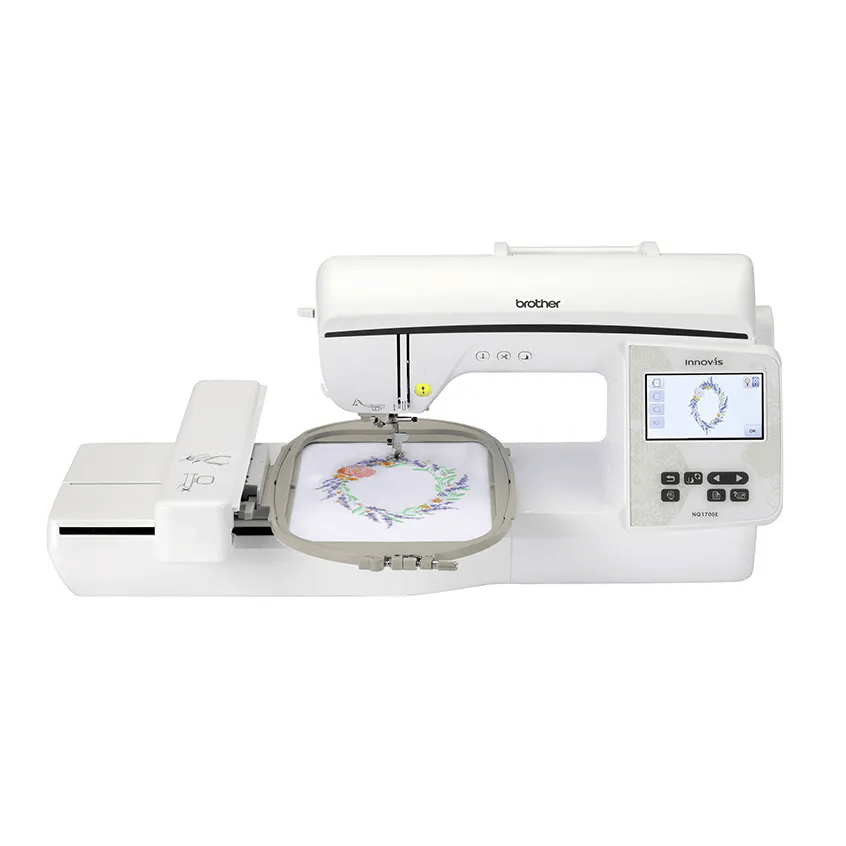
For most beginners, Brother is the easier start: the PE900 (5 × 7) and NQ1700E (6 × 10) add Wi-Fi and Artspira, use the widely sold PES format and are easy to buy online. Janome’s MC400E offers a large 200 × 200 mm square field and 860 spm, but it is USB-only, uses JEF files and is sold through dealers. Formats are less of a barrier than they look, since Ink/Stitch and Embrilliance can write both PES and JEF.
Brother machines use PES (and read DST); Janome uses JEF. Ink/Stitch and Embrilliance Essentials write both.
Brother lists Wi-Fi and Artspira on the PE900 and NQ1700E; the Janome MC400E and bernette 70 DECO list USB only.
Jump to a section
Our shortlist
Picks are based on published manufacturer specifications checked October 7, 2026. Confirm current price, warranty and included accessories with the seller.
Most beginners: 5 × 7, Wi-Fi, PES files, easy to buy
Brother and Janome are the two names most beginners see first, but they are sold, supported and fed with files in different ways. Brother’s beginner embroidery machines are everywhere online and use PES files; Janome’s are sold mainly through dealers and use JEF. Those differences matter as much as hoop size.
This guide compares the beginner-relevant models from each brand, Brother’s PE900 and NQ1700E against Janome’s Memory Craft 400E, and adds the bernette 70 DECO as a third option because it reads both brands’ formats. All specs come from the makers’ pages and documents, checked October 7, 2026. EmbroideryWise did not stitch on these machines.
Every spec difference, side by side
Spec
Brother PE900
Brother NQ1700E
Janome MC400E
bernette 70 DECO
Status
Current
Current
Current
Current
Machine type
Embroidery-only
Embroidery-only
Embroidery-only
Embroidery-only
Maximum field
130 × 180 mm (5 × 7 in)
160 × 260 mm (6 × 10 in)
200 × 200 mm (7.9 × 7.9 in)
160 × 260 mm (6.3 × 10.2 in)
Field area
23,400 mm²
41,600 mm²
40,000 mm²
41,600 mm²
Hoops included
5 × 7 in frame set
6 × 10 in and 5 × 7 in
SQ20b 200 × 200 mm, RE20b 140 × 200 mm (Janome’s page also lists SQ14b 140 × 140 mm)
Small, medium and large (5 × 7 cm, 12 × 18 cm, 16 × 26 cm)
Built-in designs
193
258
160
208
Built-in fonts
13
13
6
7
Maximum speed
650 spm
850 spm
860 spm
850 spm
Screen
3.7” LCD
4.85” color LCD
Full-color LCD touchscreen (size not stated by Janome)
5” color touch screen
Design transfer
USB, Wi-Fi, Artspira
USB, Wi-Fi, Artspira
USB
USB
Native or listed formats
PES (reads .pes, .dst, .phc, .pen)
PES (reads .pes, .dst, .phc, .pen)
JEF
VP3, VIP, PEC, HUS, DST, EXP, JEF, PES
Thread cutting
Jump stitch trimming, auto cutter
Automatic thread trimming system
Automatic thread cutter
Automatic thread cutting
Weight
17.64 lb
27 lb
25.2 lb
Not stated by bernette
Warranty label
1/2/25 Year Limited
2/6/25 Year Premium Limited
Not stated on Janome’s product page
Not stated on bernette’s product page
How it is sold
Brother and authorized resellers, widely online
Brother and authorized resellers
“Please see Dealer for pricing”
Store locator; dealer network
A note on hoops: our machine summary below lists the two large MC400E hoops (SQ20b and RE20b), and Janome’s current product page also lists a third, the SQ14b, plus an optional RE10b. Confirm the exact box contents with your dealer before you buy, especially if you are comparing bundles.
Field sizes: shape matters, not just area
The PE900 is the 5 × 7 option. The other three are all large-field machines, but their shapes differ:
Brother NQ1700E and bernette 70 DECO: 160 × 260 mm. Tall and narrow, good for long designs, larger shirt fronts and 6 × 10 quilt blocks.
Janome MC400E: 200 × 200 mm. Square and wide, good for square quilt blocks, round motifs and wide designs.
So the right answer depends on your designs. A 190 × 190 mm square design fits the MC400E but not the 160 mm-wide Brother or bernette field. A 250 × 150 mm design fits the 160 × 260 machines (rotated) but not the Janome’s 200 mm square. Check both shapes in the hoop fit checker.
For beginners whose designs stay under 130 × 180 mm, the PE900 is the most direct match, and it is the starting point in our beginner machine guide. The PE900 vs NQ1700E comparison covers when the bigger field pays off.
File formats: PES vs JEF
Each brand has its own native format. Hatch’s format reference lists .PES and .PEC for Brother and Baby Lock, and .JEF (and .SEW) for Janome. Janome says JEF is the default format for all Janome and Elna embroidery machines, with JEF+ as an editable version created in the machine or Janome software.
Brother’s support article lists .pes, .dst, .phc and .pen among the formats its machines read. DST is a common commercial format, but Brother notes that DST files carry no thread color information, so colors on screen may not match the design.
Is JEF a problem?
Not much, if you plan for it:
Buy the right version. Many design shops offer several formats per design. Pick JEF for a Janome and PES for a Brother.
Convert with software. Embrilliance Essentials saves PES, JEF, EXP, VP3, XXX, HUS and DST and runs natively on macOS and Windows. Ink/Stitch, a free extension for Inkscape, writes DST, EXP, JEF, PES, VP3, XXX and more.
Watch free design packs. Some free downloads come in one format only. Conversion usually solves this, but check before you rely on a specific file.
The bernette 70 DECO avoids most format questions. bernette’s 2026 brochure lists VP3, VIP, PEC, HUS, DST, EXP, JEF and PES, and the product page says it is compatible with most embroidery design formats without converting files in software. If you have a mixed library from different brands, or inherit designs from a friend with another machine, that is a real advantage.
Wi-Fi and design transfer
Brother lists Wi-Fi, USB and its Artspira app on both the PE900 and NQ1700E, so you can send designs from a computer or phone without a flash drive.
The Janome MC400E and bernette 70 DECO list USB transfer, and neither product page mentions wireless. USB works fine; it just means saving to a stick, walking to the machine and loading the file. See how to transfer designs to your machine for the steps.
If phone-based design work is important to you, Brother is the clear choice among these four.
Built-in lettering
Brother’s PE900 and NQ1700E each list 13 built-in fonts. Janome lists 6 monogramming fonts on the MC400E (with 2- and 3-letter monogramming), and bernette lists 7 embroidery alphabets.
If you plan to monogram without buying lettering software, the Brother machines give you more to work with. If you already use software for lettering, the built-in count matters much less. See the best machine for monogramming.
Dealer vs online buying
This is one of the biggest practical differences between the brands.
Brother sells through its own store and a wide network of retailers, including online. Brother’s home sewing warranty statement says the warranty is void if you did not buy from an authorized Brother reseller in the US, and it applies only to the original buyer. Buying online is fine; just make sure the seller is authorized and keep the dated receipt.
Janome lists no price for the MC400E online and says “Please see Dealer for pricing,” with a dealer locator on its site. bernette also points buyers to a store locator.
What a dealer can offer, and what to ask about:
Setup help and a first lesson or class.
Somewhere local to take the machine for service.
Trade-in or upgrade paths later.
How warranty claims are handled for that brand.
Online buying tends to be more convenient and easier to compare. Dealer buying tends to come with more support. Decide which you value more, then compare like with like.
Verdict by buyer type
Buyer
Pick
Why
First machine, designs up to 5 × 7, wants Wi-Fi
Brother PE900
Covers common design sizes, easy to buy, PES files
You want the easiest path: wireless transfer, a common file format, plenty of built-in lettering and online buying. Start with the PE900 unless you already know you need more than 5 × 7.
Choose Janome if…
You have a dealer nearby you trust, you value in-person support, and the MC400E’s square 200 × 200 mm field matches your projects. Plan on buying or converting designs to JEF.
Choose bernette if…
You want a 160 × 260 mm field with the widest built-in format support of the four and are fine with USB.
The bottom line
Brother wins on convenience for most beginners: Wi-Fi, PES, more fonts and easy online buying. Janome’s MC400E is a strong large-field machine for people who want a dealer relationship and square designs. Formats are a solvable problem with Embrilliance or Ink/Stitch, and the bernette 70 DECO sidesteps it entirely. To narrow it further, try our machine finder.
Spec comparison
Manufacturer specifications, checked October 7, 2026. Maximum speed is a ceiling, not typical output.
The most universal way to move designs from computer to machine. Check your machine manual for supported USB media before buying; a small, plain drive is the safest choice.Learn more
Permanent support for knits, T-shirts, sweatshirts and anything that stretches. Medium weight suits most first projects; buy enough to test before the real garment.Learn more
Temporary support for stable wovens such as canvas, denim, twill and quilting cotton. Tear gently while supporting the stitches; not a substitute for cut-away on stretchy fabric.Learn more
Janome lists JEF as the default format for its embroidery machines, and the MC400E page lists .JEF. Convert PES designs to JEF with software such as Embrilliance Essentials or Ink/Stitch, or buy the JEF version from the design shop.
Is Brother or Janome better for beginners?
Brother is usually the simpler start because its beginner machines add Wi-Fi and Artspira, PES is a common download format, and Brother machines are easy to buy online. Janome makes sense if you value a local dealer or want the MC400E’s large square field.
Does the Janome MC400E have Wi-Fi?
Janome lists a USB port for importing designs and does not list wireless transfer for the MC400E. The Brother PE900 and NQ1700E list Wi-Fi, USB and Artspira.
Which has the bigger field, the NQ1700E or MC400E?
They are close in area but different in shape: the NQ1700E is 160 × 260 mm (tall) and the MC400E is 200 × 200 mm (square). Long designs fit the Brother better; wide, square designs fit the Janome better.
What does buying from a dealer get you?
Janome directs buyers to dealers for pricing, and dealers are the people you go back to for setup questions and service. Ask each dealer what classes, support and warranty handling they include before comparing prices.
✓
Sources & method
This guide is compiled from manufacturer documentation and specialist sources, not hands-on testing. We link every source so you can check it. Specifications change, so confirm details against your exact model manual. How we research.
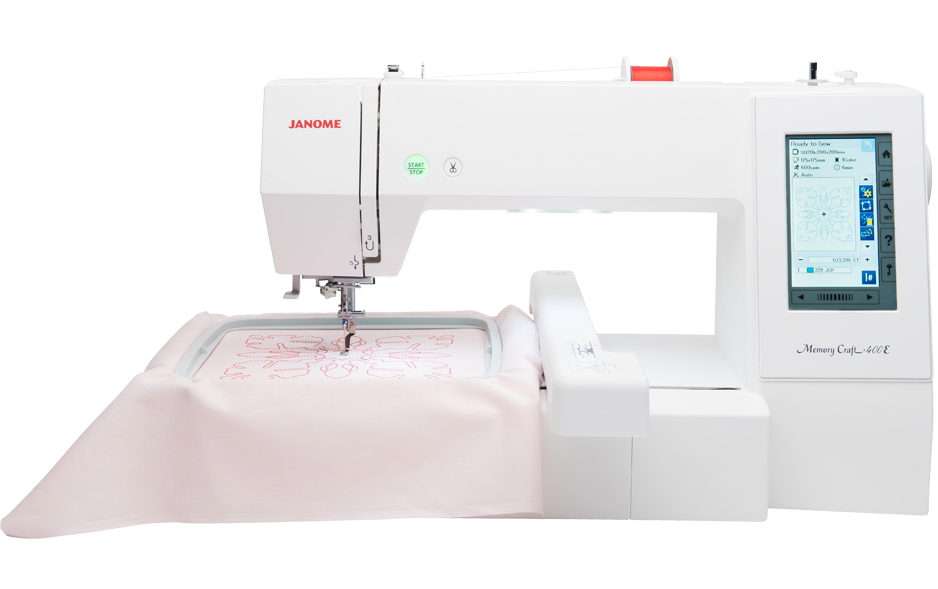 Wants dealer support and a large square 200 × 200 mm fieldCheck price
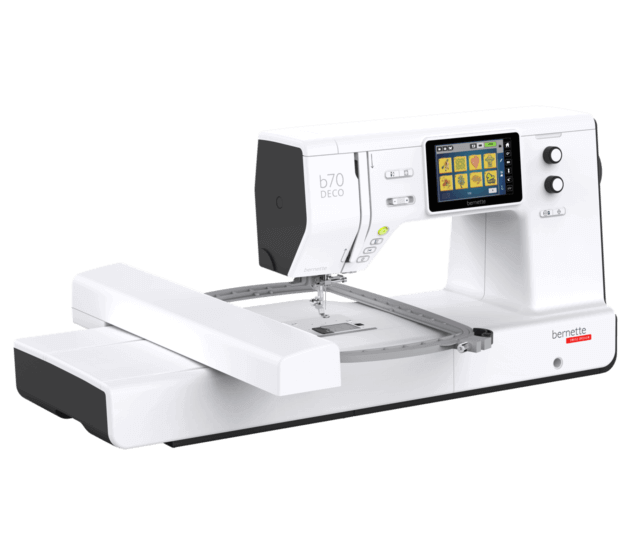 Wants broad file-format support and a 6 × 10 class fieldCheck price