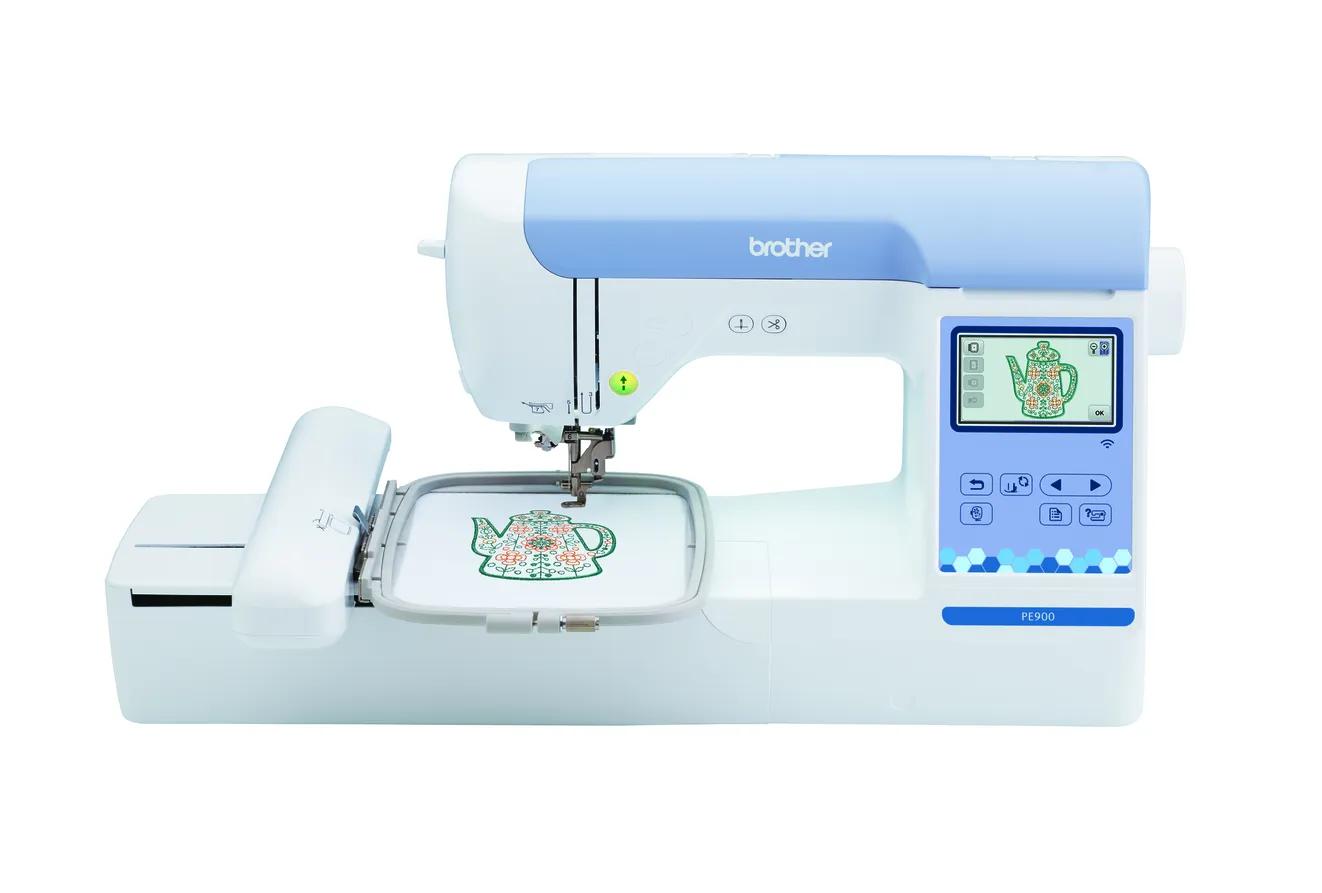
Brother PE900
Beginners who already sew (or do not need to) and want room for T-shirt fronts, totes and most popular design sizes.
- Field5 × 7 in
- TypeEmbroidery only
- TransferWi-Fi + USB
Updated October 202618 machines, specs from the manufacturers
Most beginners pick by price or built-in designs, then find their hoop is too small. We compare machines by what you actually want to stitch, so you buy once.
Beginners who already sew (or do not need to) and want room for T-shirt fronts, totes and most popular design sizes.
As an Amazon Associate I earn from qualifying purchases. It does not change the price you pay.
More top picks for 2026
What is the biggest design you want to stitch? A 5 × 7 inch field fits most designs people sell. Choose 4 × 4 only if you are sure you’ll stay with names and small motifs.
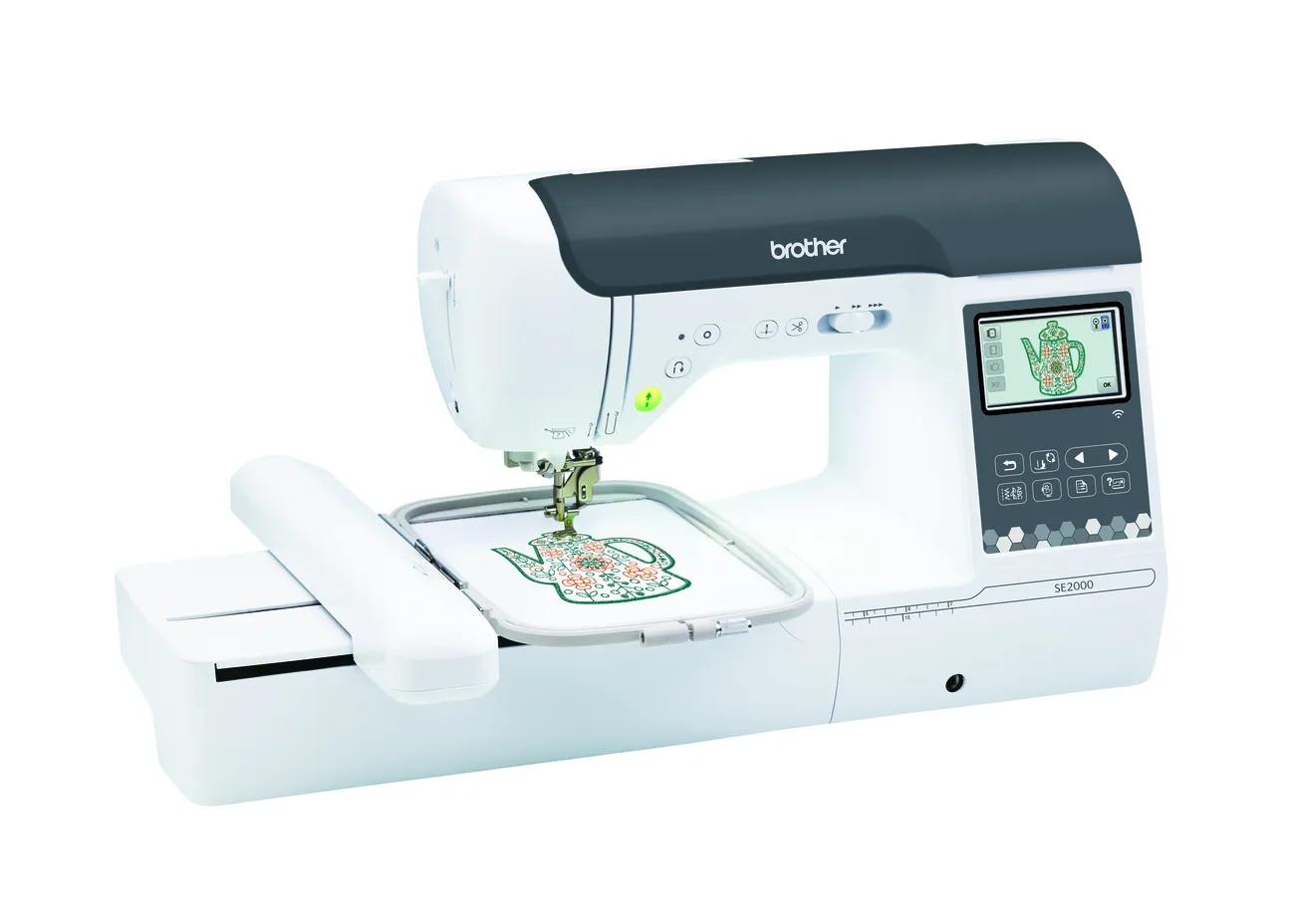
Beginners who want one machine for both sewing and 5 × 7 embroidery.
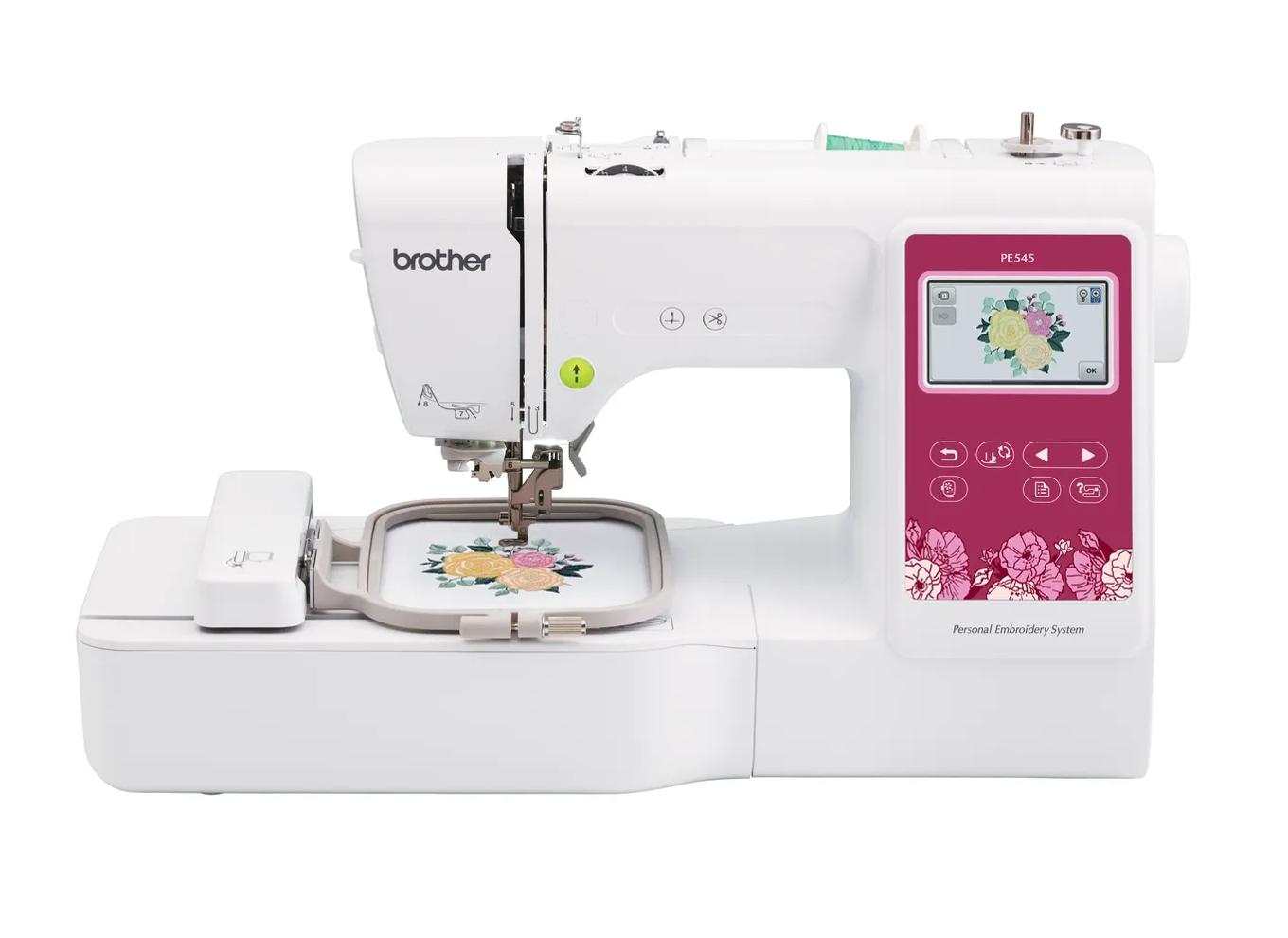
Beginners who already own a sewing machine and mainly want monograms, names, patches and small motifs.
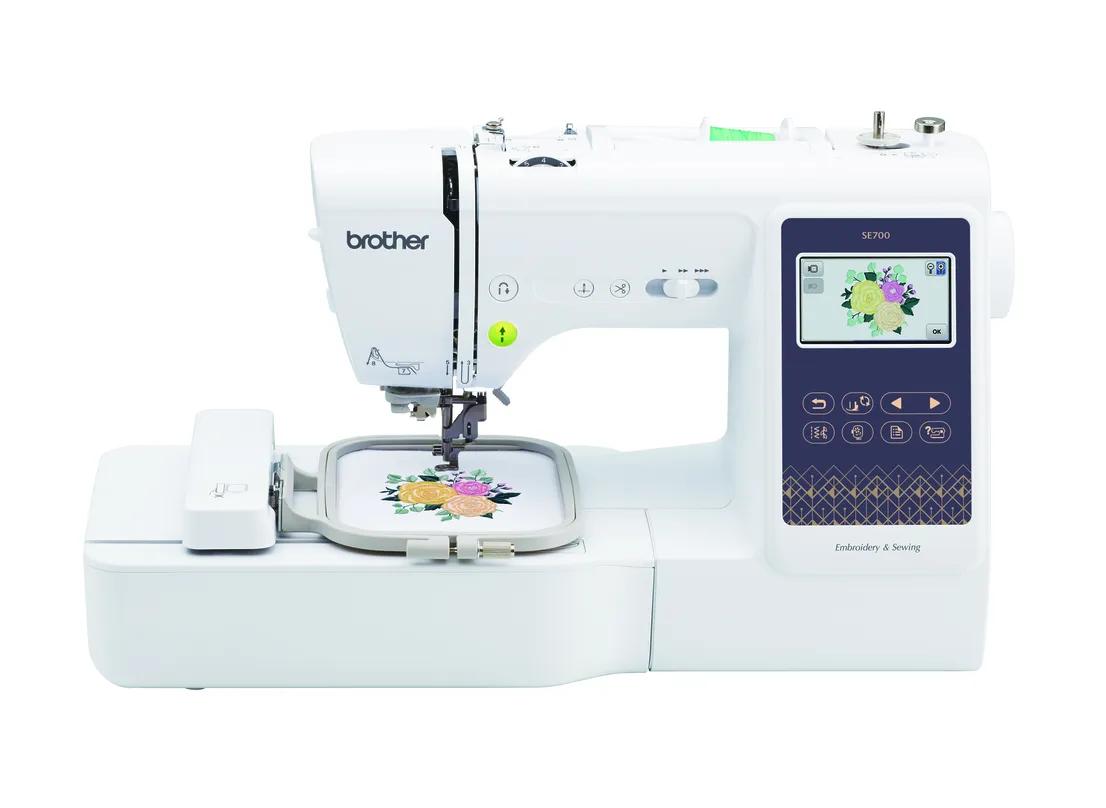
Beginners who want sewing plus small embroidery in one machine, with wireless design transfer.
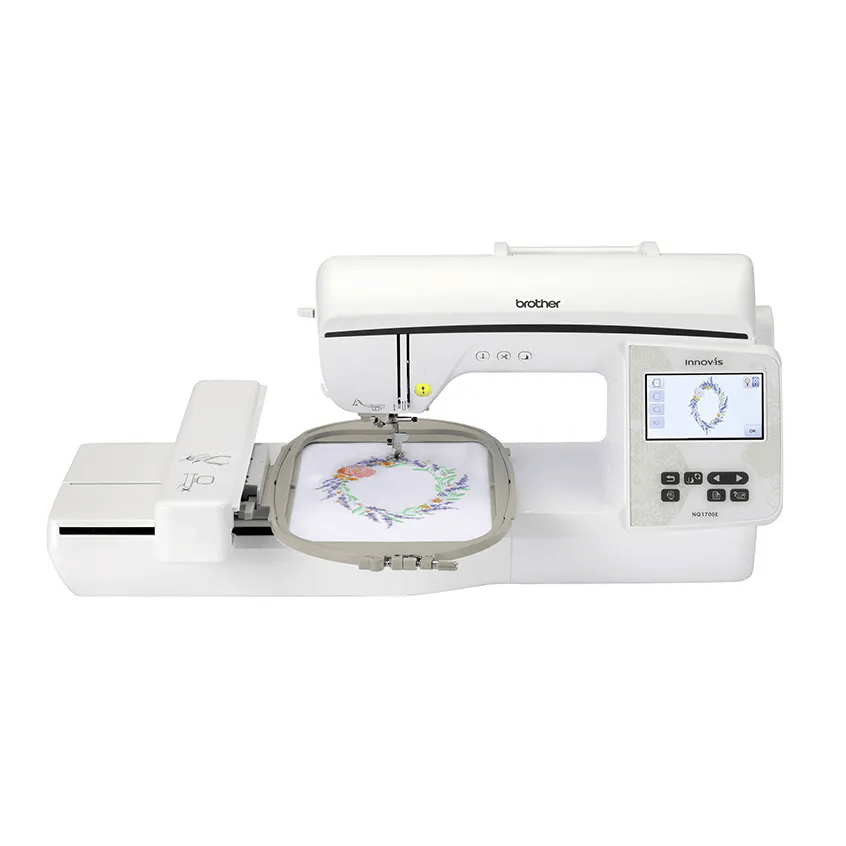
Beginners who already know they want bigger designs (jacket backs, larger quilt blocks) without re-hooping.
Shop by project
Side by side
| Model | Field | Type | Designs | Max speed | Transfer | Shop |
|---|---|---|---|---|---|---|
| Brother PE545 | 4 × 4 in | Embroidery only | 135 | 400 spm | USB, Wi-Fi, Artspira app | Check price ↗ |
| Brother SE700 | 4 × 4 in | Sewing + embroidery | 135 | 400 spm | USB, Wi-Fi, Artspira app | Check price ↗ |
| Brother PE900 | 5 × 7 in | Embroidery only | 193 | 650 spm | USB, Wi-Fi, Artspira app | Check price ↗ |
| Brother SE2000 | 5 × 7 in | Sewing + embroidery | 193 | 650 spm | USB, Wi-Fi, Artspira app | Check price ↗ |
| Brother NQ1700E | 6 × 10 in | Embroidery only | 258 | 850 spm | USB, Wi-Fi, Artspira app | Check price ↗ |
| Janome Memory Craft 400E | 7.9 × 7.9 in | Embroidery only | 160 | 860 spm | USB | Check price ↗ |
Free machine finder
Answer five questions about sewing, design size and what you’ll make. No email, no signup, no paid placements.
Don’t get stuck on day one
Permanent support for knits, T-shirts, sweatshirts and anything that stretches.
Shop on Amazon ↗Temporary support for stable wovens such as canvas, denim, twill and quilting cotton.
Shop on Amazon ↗A starter range of colors in the weight most home designs are digitized for.
Shop on Amazon ↗Lighter bobbin thread keeps the back of the design flat and reduces bulk.
Shop on Amazon ↗Embroidery needles have a larger eye and groove that protect rayon and polyester thread at speed.
Shop on Amazon ↗Trim jump stitches and appliqué fabric close to stitches without lifting the hoop off the machine.
Shop on Amazon ↗Head to head
Every current Brother home embroidery machine on one chart: PE vs SE vs NQ explained, hoop sizes, Wi-Fi, which models are discontinued and what replaced them.
Brother PE800 vs PE900 compared spec by spec: same 5 × 7 field and 650 spm, but the PE900 adds Wi-Fi, jump stitch trimming and more designs. Which to buy.
Brother SE1900 vs SE2000: both are 5 × 7 sewing and embroidery combos. See every spec difference, Brother’s data conflicts, and who should buy which.
Brother PE535 vs PE545: both are 4 × 4 embroidery-only machines. Compare every spec, Brother’s data quirks, warranty status, and when a 5 × 7 PE900 is smarter.
Brother SE700 vs SE2000: a 4 × 4 vs 5 × 7 sewing and embroidery combo. Every spec difference, hoop-size regret, and the SE630 as the no-Wi-Fi option.
Brother PE900 vs SE2000: identical 5 × 7 embroidery specs, so the choice is about sewing. Full spec table, workflow trade-offs and a verdict by buyer type.
Measure twice, stitch once
Answer five questions and get a spec-based shortlist of beginner embroidery machines.
Open tool →▱Check your design dimensions against a machine embroidery field, with rotation.
Open tool →◷Estimate stitching time from stitch count, machine speed, color changes and setup.
Open tool →+Add up the machine, supplies, software and a test allowance before you buy.
Open tool →$Price a custom embroidery job with materials, labor, overhead and a true margin.
Open tool →◉Build and download a digital color palette to match against physical thread cards.
Open tool →Learn as you go
Pick a first machine by hoop size, workflow and budget, not marketing.
16 guides →Side-by-side specs for the beginner machines people actually shortlist.
9 guides →Hooping, first stitch-outs, beginner projects and the vocabulary you need.
7 guides →Stabilizer, thread, needles and accessories: what to buy first and why.
7 guides →File formats, transferring designs, resizing and beginner software.
7 guides →Fix thread nests, breaks, puckering and files your machine will not read.
5 guides →Budget, time and pricing math for selling embroidery.
4 guides →Why trust EmbroideryWise
No sponsored rankings, no invented scores. Just published specs, visible math and plain-English advice.
Read our methodology →Machine specifications link to the manufacturer page and carry a “checked” date. When sources conflict, we say so.
We do not claim hands-on reviews we did not do, and we never invent star ratings or rankings.
Every calculator shows its formula and assumptions, so you can verify the math yourself.